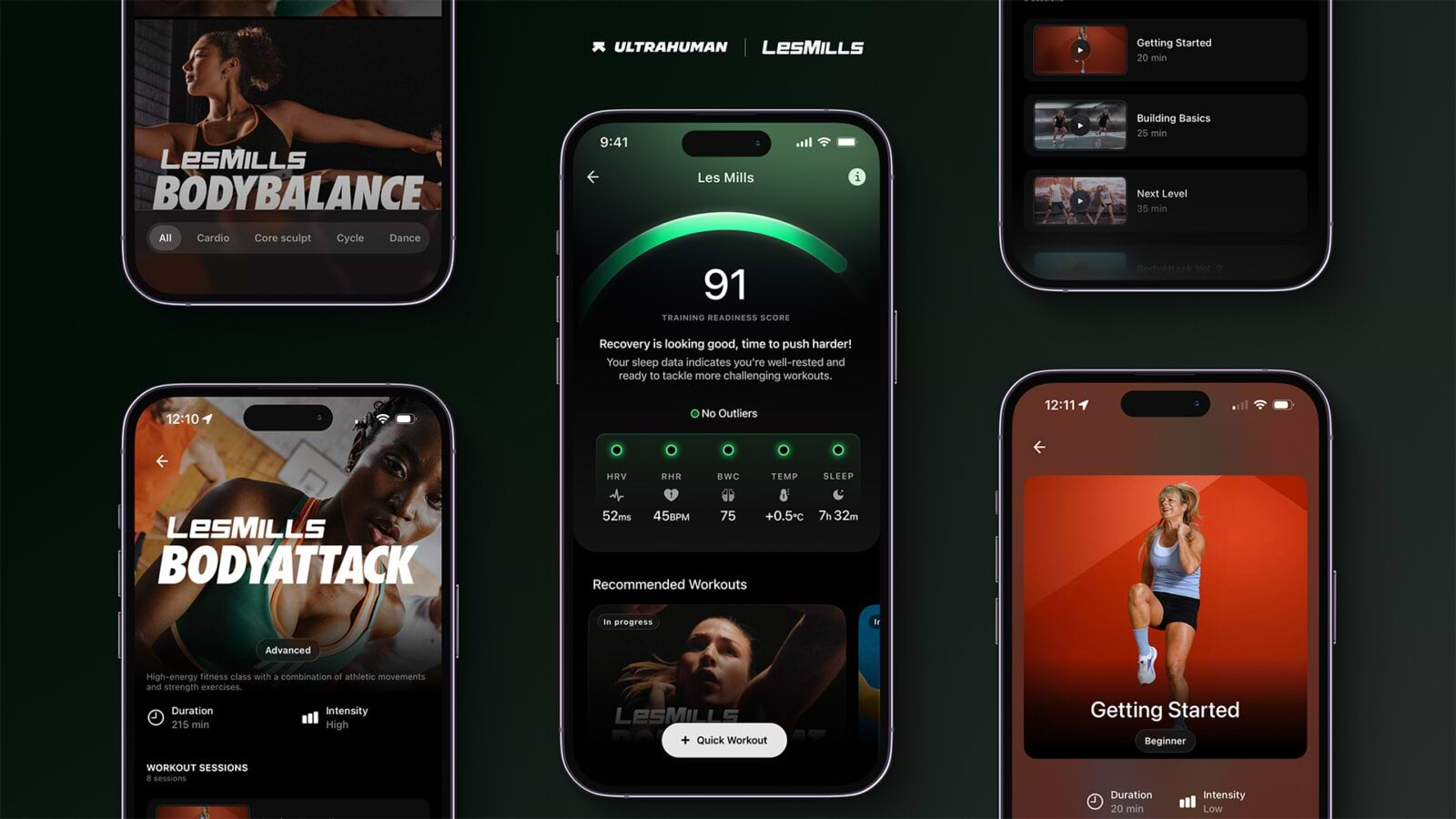
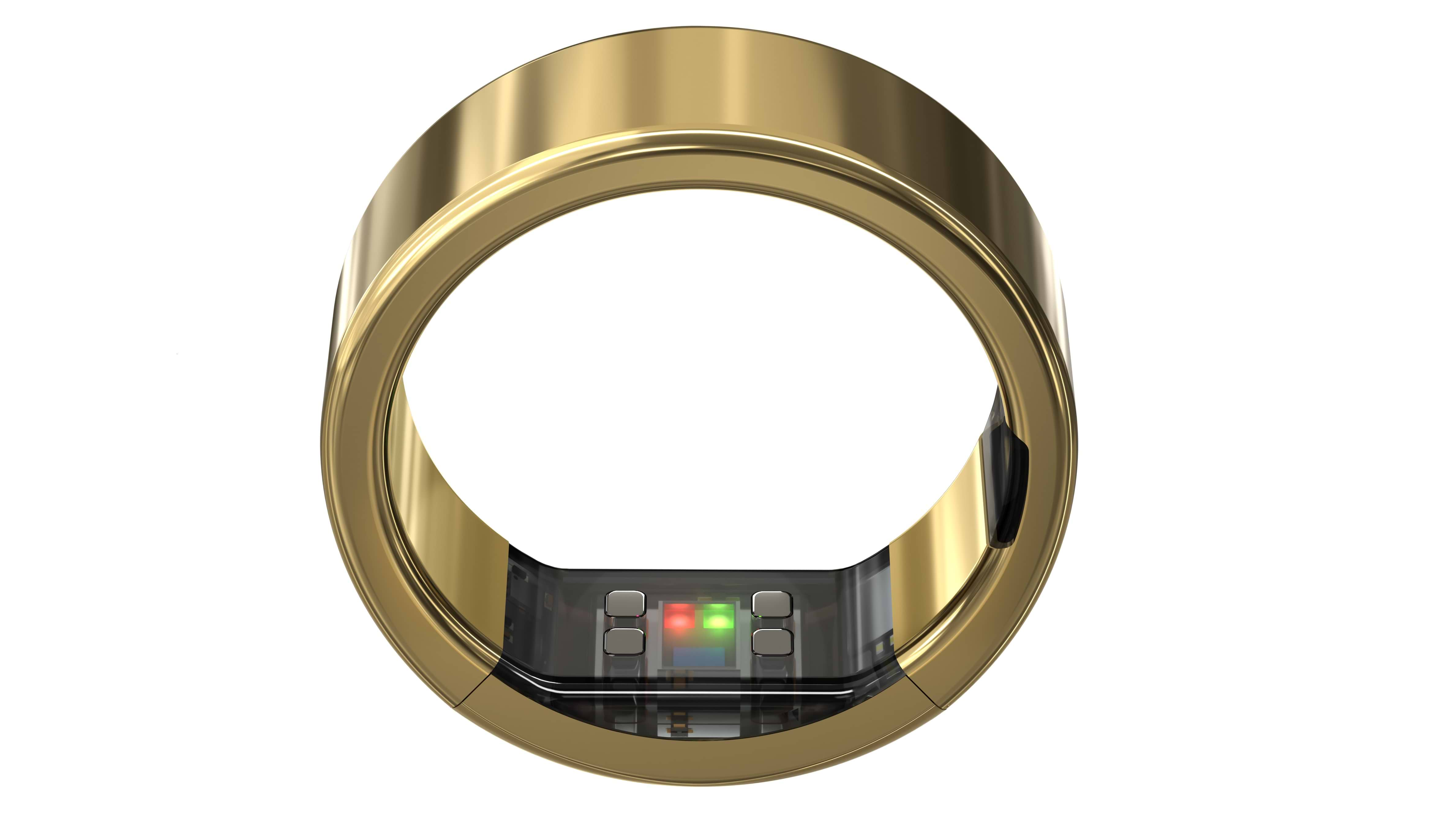
Below are the steps to get started with the Ultrahuman Ring AIR and PRO.
1. Charge your Ring
Place your Ring on the charger or PRO Charging Case. Charge for at least 30 minutes before first use.
2. Download the app
If you already have the app, update it to the latest version before pairing.
3. Pair your Ring
Keep your Ring on the charger for this step.
- Open the app and go to the menu button in the top left.
- Tap Connect Ring, then Continue. The app scans for your Ring and pairs with it automatically.
- Follow the prompt to update your Ring’s firmware. This is required, and your Ring will not pair without it.
- If you have a Ring PRO, opt to connect the Pro Charger, which will enable extra features, such as Find My Case.
- Tap Start My Journey to finish setup and start using.
Wear it the right way
This matters more than anything else on this page. The sensors sit on the inside of the band, and they need skin contact to read anything.
- Sensors face your palm. The sensors are the bump on the inner shell, and they should sit against the palm side of your finger.
- Use your index, middle or ring finger. The index finger usually gives the best sensor data. Avoid a finger with a large knuckle, which distorts the fit.
- The fit should be snug at the base. It should not spin freely, it should take a little effort to remove, and it should stay comfortable after hours of wear. To take it off, push up from underneath the band and slide it out.
- Fingers change size. They swell in heat and after exercise, and shrink in cold. A Ring that fits in the evening may feel loose on a cold morning. That is normal.
Your first week
Your Ring starts collecting data immediately, but most of what it tells you is built from patterns rather than single readings. Here is what to expect, and when.
Tonight: Wear your Ring to bed. Sleep data appears in the morning, including your estimated sleep stages, overnight heart rate, and heart rate variability.
The first few days: Daytime metrics such as steps, activity, and resting heart rate start showing up straight away. Treat any single reading as a rough guide for now.
The first two to three weeks: Your Ring is learning your personal baseline. Most metrics are reported as a deviation from your own normal rather than as an absolute number, so they become more useful as that baseline settles.
After 30 days: If you are using Cycle and Ovulation PowerPlug this is when it has learned enough of your temperature pattern to start confirming ovulation.
Frequently asked questions
Setup and pairing
My Ring will not pair with the app.
Turn Bluetooth off, close the app completely, reopen the app, then turn Bluetooth back on and try again. Make sure the Ring is on the charger while you pair. If it still will not connect, contact us through Support in the app.
Do I have to update the firmware?
Yes. Your Ring will not pair with the app until its firmware is up to date.
Can I pair my Ring with more than one phone?
No, you can only pair a Ring with one phone. And one Ring per phone.
Wearing your Ring
Which finger should I wear it on?
Your index, middle or ring finger, on either hand. The index finger usually gives the best sensor data. Avoid a finger with a large knuckle. Once you have chosen, keep to the same one, because moving it between fingers makes readings less consistent.
Can I change fingers later?
Yes, though your data will be more consistent if you do not. If you do switch, expect a short period while the readings settle.
Should the sensors face my palm or the back of my hand?
Your palm. The sensors are the bump on the inner shell of the band, and they need contact with the underside of your finger.
Charging and care
My Ring is warm after charging. Is that safe to wear?
Yes. Rings often feel warm coming off the charger, and it is safe to put on. If it is ever too hot to hold comfortably, stop using it and contact Support in the app.
How often do I need to charge it?
The Ring AIR has a battery life of up to 4-6 days. The Ring PRO is up to 15 days between charges. You can charge it anytime to ensure uninterrupted monitoring and insights.
Can I wear it in the shower or swimming?
Both Rings have a water resistance rating of 10ATM making them suitable for showering or swimming.
THE AUTHOR