- Download the Ultrahuman App from the link
here - When you launch the app, you’ll be taken through a brief onboarding flow
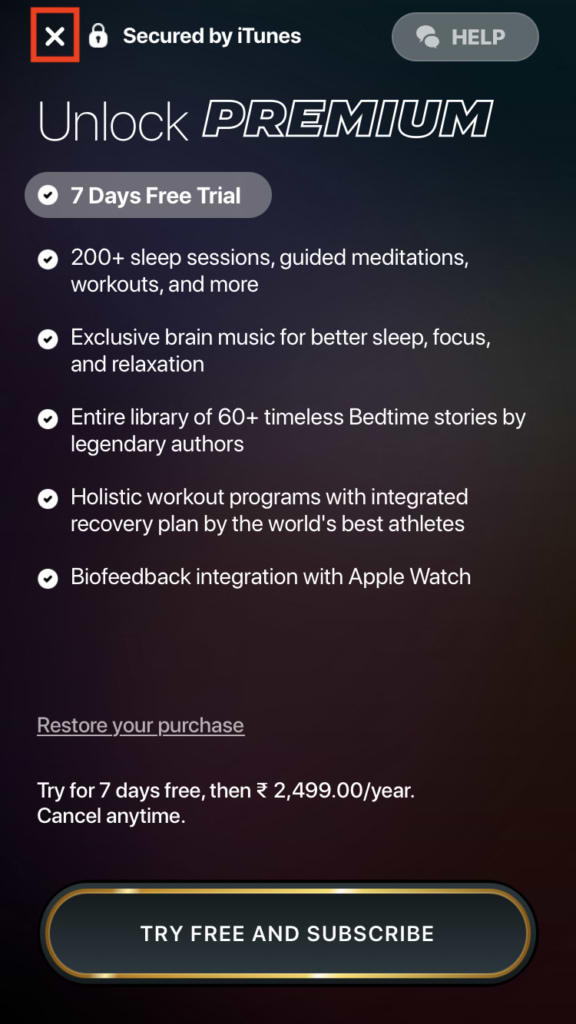
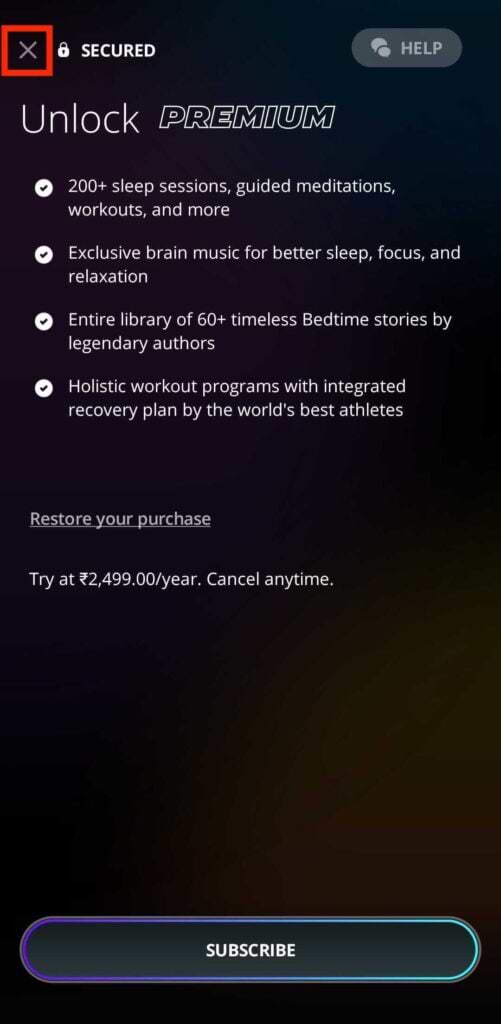
- At the end of the onboarding flow, a subscription page will pop up. You can go ahead and close that by clicking the cross on the top left
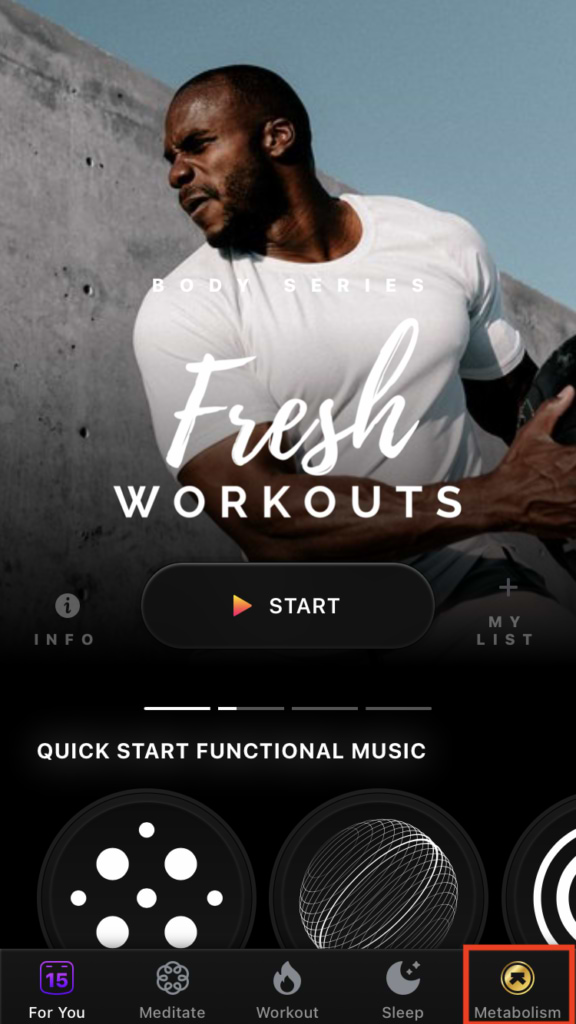
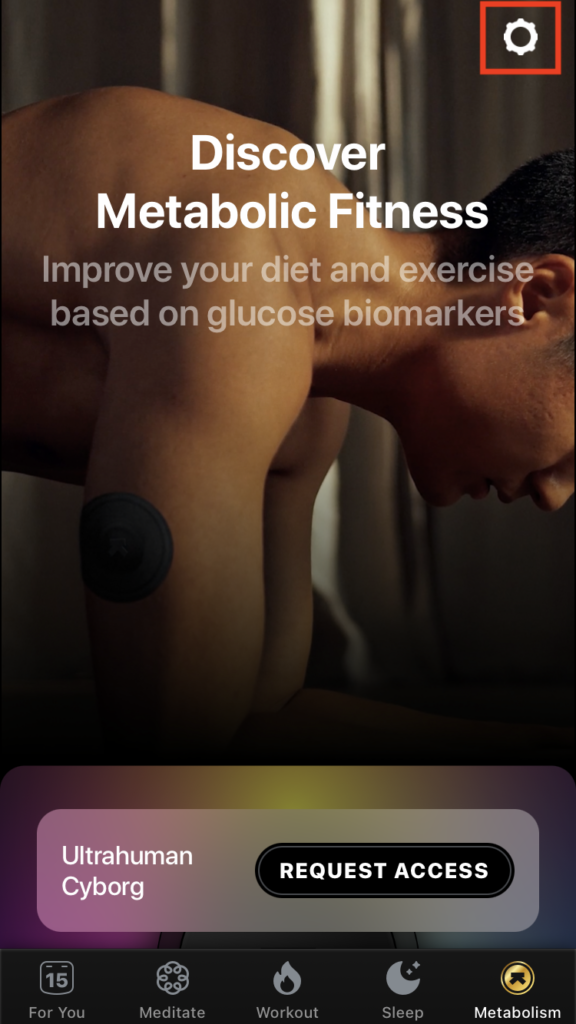
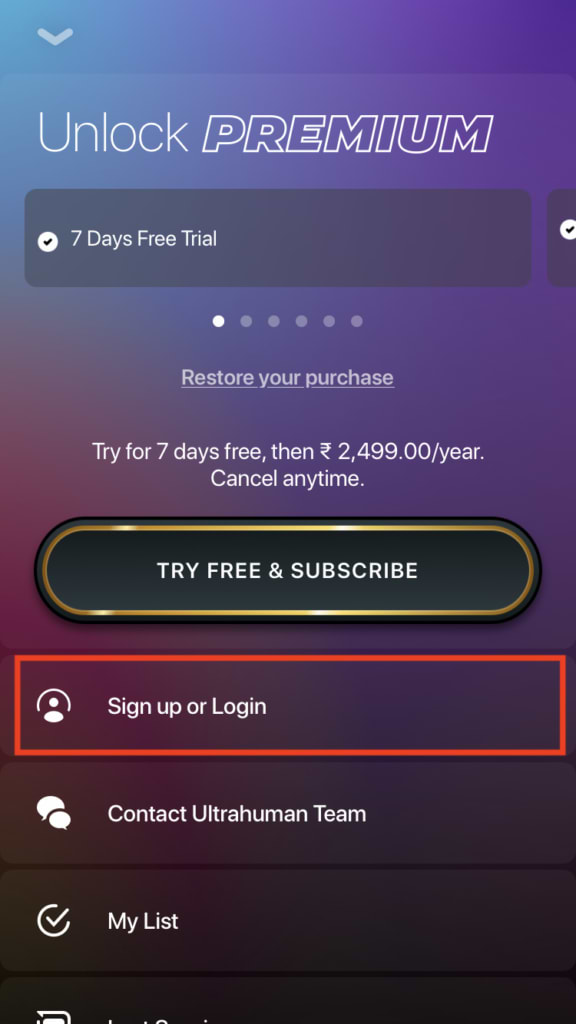
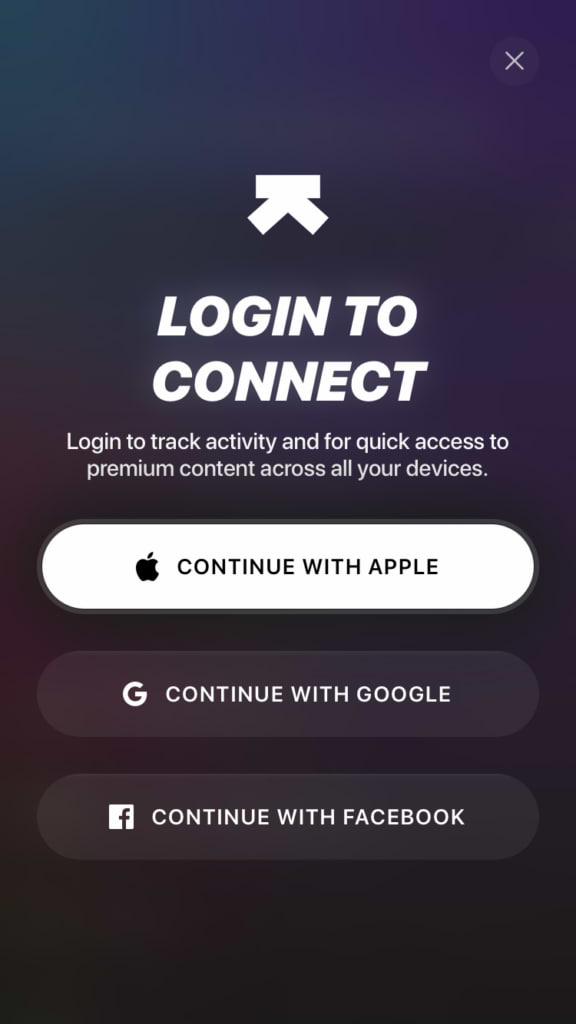
- For iOS - Go to the ‘Metabolism’ tab (bottom right) > Settings (top right) > Sign up & Login > Login (using Apple, Gmail or Facebook ID)
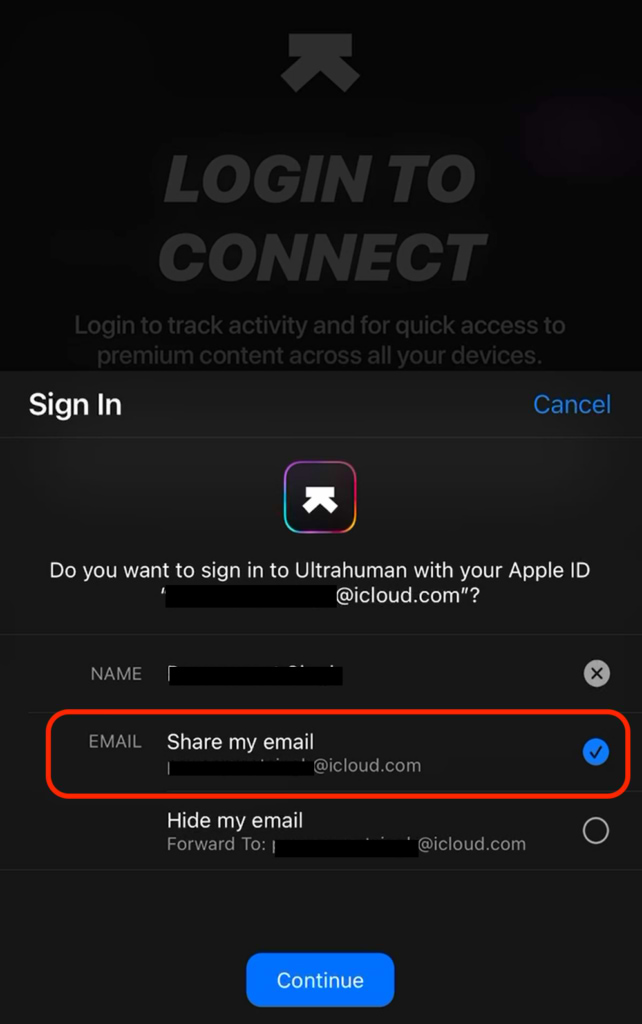
- Note - If logging in through Apple ID, please select the option ‘Share my email’
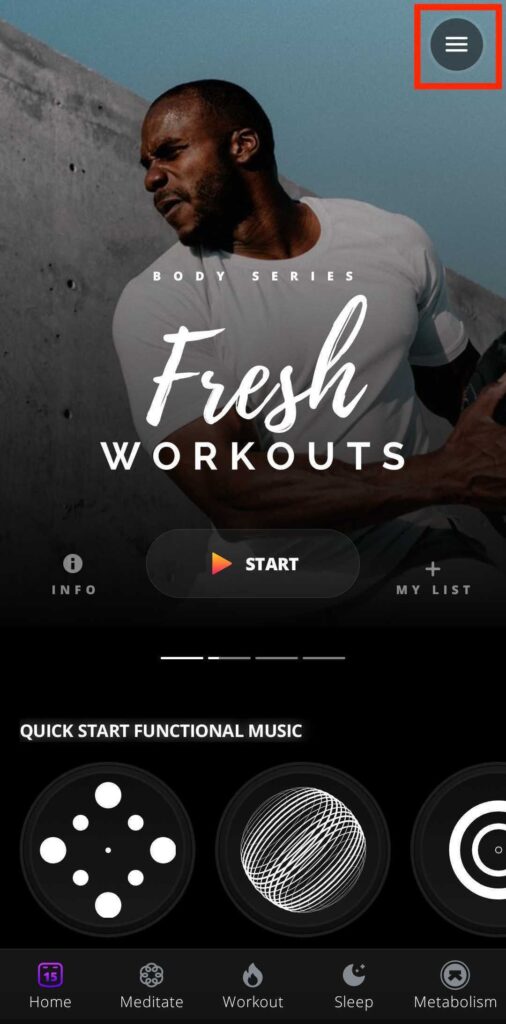
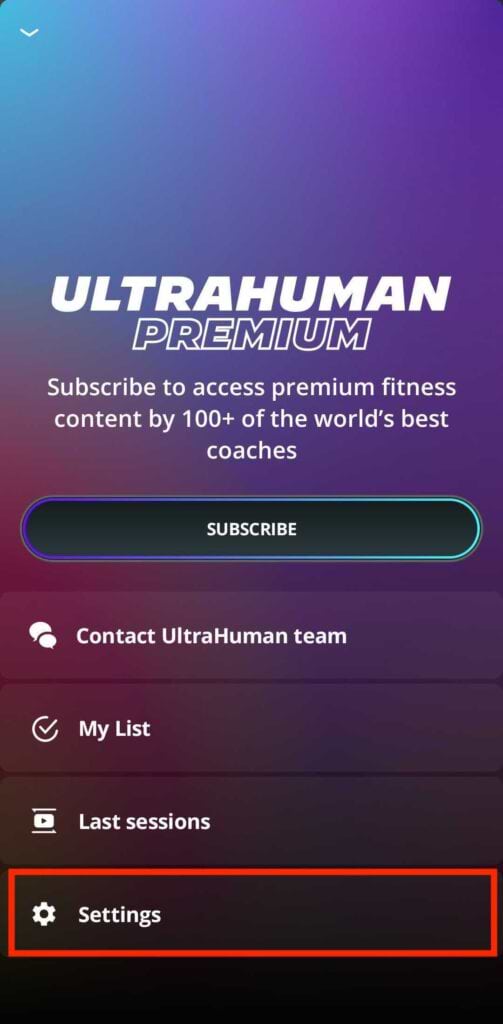
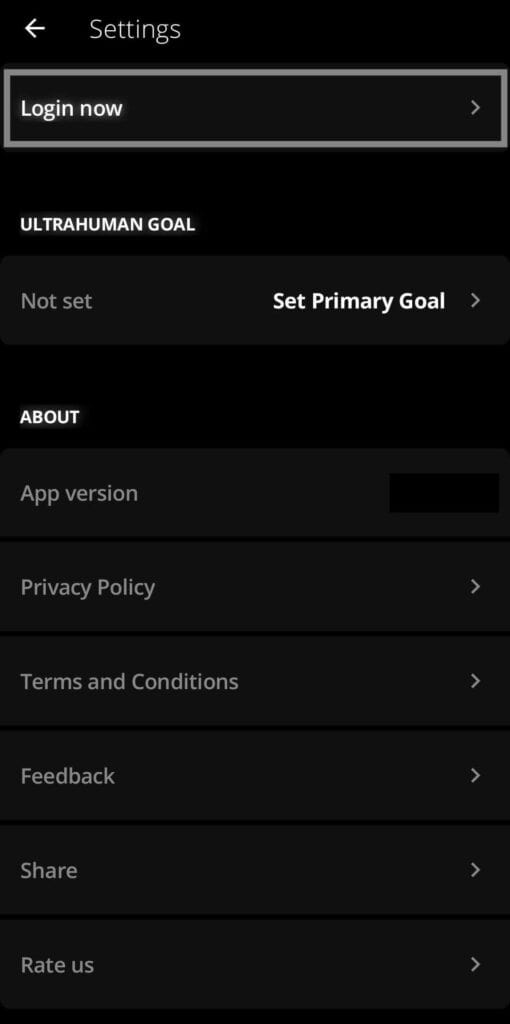
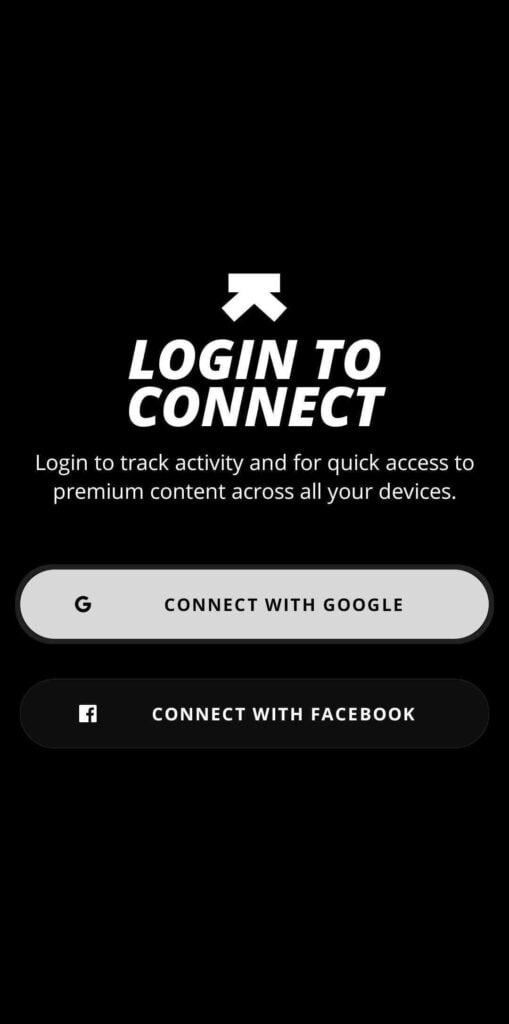
- For Android - Click on ‘Menu’ button (top right) > Settings > Login (using Gmail or Facebook ID)
- In case of any issues with the access, please email: feedback@ultrahuman.com
For iPhone users
For Android Users
THE AUTHOR