

Workout Mode: Heart rate tracking explained
Workout Mode on the Ultrahuman Ring enables you to track your heart rate zones while you train, across more than 100 workout types.
Tracking the intensity of workouts is important, even if you use other fitness wearables. Getting accurate data about how hard you trained can help you understand whether you burned fat or boosted your anaerobic fitness from a workout, and it gives vital context to the Ring's overnight sleep and recovery data.
In this guide, we explain how the Ring AIR and Ring PRO automatically track your workouts, how they monitor heart rate accurately during exercise, how to use third-party devices instead, and how to understand the impact of your sessions.
Key takeaways
The Ring reads your pulse from the finger, where the digital arteries sit close to the skin and give a strong signal.
In Workout Mode it samples at a higher rate and combines the optical signal with its motion sensor, so the reading tracks your heartbeat while you move.
The Ring doesn't have to be the source. You can take a session's heart rate from another device you already wear, or connect your other apps so those workouts arrive automatically.
Workout data feeds your Movement Index. A hard session shows up in your recovery the following morning, through its effect on overnight HRV and resting heart rate.
How the Ring tracks heart rate during exercise
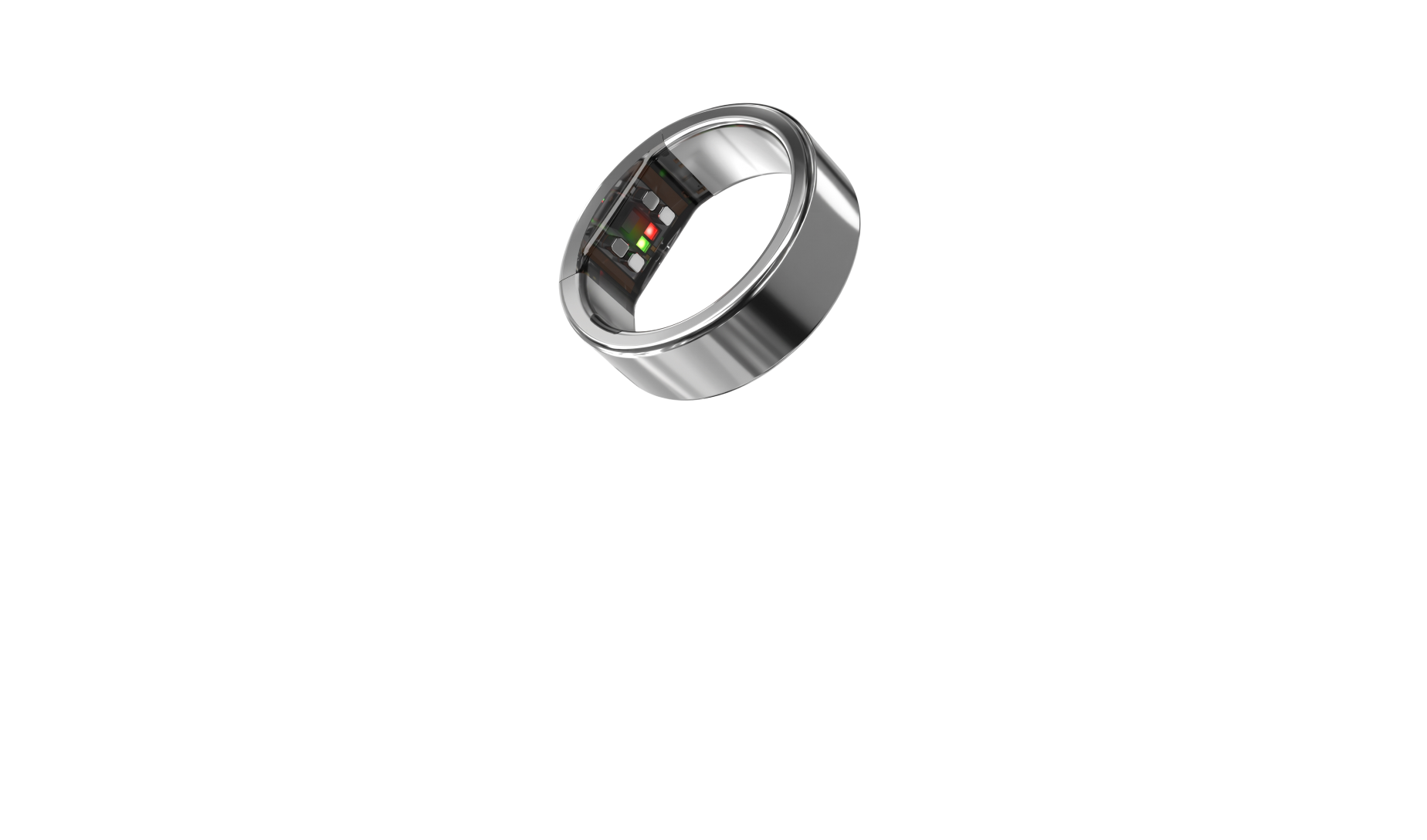
The Ring AIR/PRO’s optical sensor shines light into your skin and reads how much bounces back. Blood absorbs light differently depending on oxygen content and pulse timing, and the Ring estimates your heart rate from those absorption peaks.
Four things work together to keep that reading accurate while you move.
- Motion filtering. An accelerometer and gyroscope record your movement continuously through the session. The algorithm uses that as a reference to isolate the cardiac signal, so the number tracks your heartbeat rather than your arm swing.
- Multi-wavelength redundancy. Green and infrared LEDs read at different tissue depths. Your heartbeat is common to both channels, so cross-referencing them confirms the signal.
- Finger placement. The digital arteries sit close to the surface, giving a stronger baseline signal than the wrist. The motion profile at the finger is also well suited to filtering: during running, the dominant movement is arm swing, which sits below your heart rate in frequency at hard effort.
- On-device processing. The algorithm runs on the Ring rather than in the cloud, so readings reach the app within seconds.
How to use Workout Mode in the app
Tap the + icon in the bottom left corner of your app and select Workout, then pick from a library of more than 100 profiles covering running, cycling, HIIT, strength, yoga, swimming, martial arts and team sports. Recording starts immediately.
You don't have to start one by hand. When the Ring detects you've started moving, it raises a Live Activity on its own, which expands to a full-screen zone-by-zone heart rate view. Live heart rate is available on the home screen outside any session too.
During a session you see your current heart rate, training zone, elapsed time and estimated active calories. At the end you get a summary with average and peak heart rate, duration and calories, alongside perceived effort and a 30-day view of your workout consistency.
That data feeds your Movement Index through its workout-frequency component. It doesn't feed your Recovery score directly; a hard effort shows up overnight instead, as suppressed HRV and an elevated resting heart rate during the following night's sleep.
Using a different device for your workout
Plenty of people train with a chest strap, a bike computer or a running watch. You don't have to give that up to use the Ring.
You can take a session's heart rate from another device you already wear, chosen when the session starts. Or connect your apps and devices once, under Connect Other Apps in the profile menu, and completed workouts arrive on their own with their heart rate already attached.
Either way, the workout lands in the Ultrahuman app as if the Ring had tracked it. Your training and your overnight recovery data end up together, so a hard Monday shows up in Tuesday's recovery score.
Technology grounded in research
Studies have shown that there are two ways to read a heartbeat cleanly during movement, and the Ultrahuman Ring uses both.
The first is tracking the movement itself. Because the Ultrahuman Ring knows exactly how your hand is moving, it can separate that from your pulse.
The second is using two colors of light. Green and infrared reach different depths under the skin, and your heartbeat shows up in both, so the Ring uses one to confirm the other.
Two studies compared places on the body for accurate readings: one across a range of activities and one across exercise intensities. Both agreed on what matters: how close the blood vessels sit to the surface, and how much that part of the body moves. The finger scores well on both, making it a great place to read your pulse.
Read the original research
All Studies →This explainer is based on original research by the Ultrahuman Science team. Explore the full Studies repository.
Frequently asked questions
Does the Ring track heart rate while swimming?
Yes. The Ring is water-resistant and Workout Mode includes swimming profiles.
How does the Ring work out which zone I'm in?
Zones are percentage ranges of your maximum heart rate. The heart rate zones explainer covers how they're estimated and calibrated.
How does a workout affect my Recovery score?
Not directly. A hard session suppresses HRV and lifts resting heart rate in the hours and days afterwards, and the Ring picks that up during the following night. A lower Recovery score the morning after a hard session is physiologically expected.
Can I use a chest strap or watch instead of the Ring?
Yes. You can select another device when you start a session, or connect your apps under Connect Other Apps so completed workouts arrive automatically. Either way the session appears in the Ultrahuman app with the same zones and history.
Does the Ring measure VO2 max during workouts?
It provides a VO2 max estimate rather than a real-time measurement taken during exercise. If you have a laboratory VO2 max result, you can enter it in the app to sharpen the estimate. The Cardio Age explainer covers how it's calculated.
Can I set my zones from a workout?
Yes. Record a hard session and use the peak heart rate from it as a calibration point. Exercise physiology research recommends individual calibration over age-based formulas.
References
- Taylor JL, Holland DJ, Spathis JG, et al. Guidelines for the delivery and monitoring of high intensity interval training in clinical populations. Progress in Cardiovascular Diseases 2019. PMID 30685470
- Fallet S, Vesin JM. Robust heart rate estimation using wrist-type photoplethysmographic signals during physical exercise: an approach based on adaptive filtering. Physiological Measurement 2017. PMID 28055986
- Alkhoury L, Choi J, Chandran VD, De Carvalho GB, Pal S, Kam M. Dual wavelength photoplethysmography framework for heart rate calculation. Sensors 2022. PMID 36560324
- Moghaddam M, Collins JP, Gardner CE, Rabel MC. Impact of anatomical placement on the accuracy of wearable heart rate monitors during rest and various exercise intensities. Sensors 2025. PMID 41516615
- Schweizer T, Gilgen-Ammann R. Wrist-worn and arm-worn wearables for monitoring heart rate during sedentary and light-to-vigorous physical activities: device validation study. JMIR Cardio 2025. PMID 40116771
The associations described here are observational and do not establish cause and effect. Individual heart rate responses to exercise vary. Bring any unexpected changes in your heart rate patterns to a physician.
Related explainers
Fitness & MovementCardio Age explained: How Ultrahuman Ring estimates your fitnessHeart & RecoveryHow the Ultrahuman Ring tracks HRV – and what the data showsHeart & RecoveryHeart rate zones: how the Ultrahuman Ring measures training intensityFitness & MovementMovement Index explainedHeart & RecoveryResting heart rate explained


